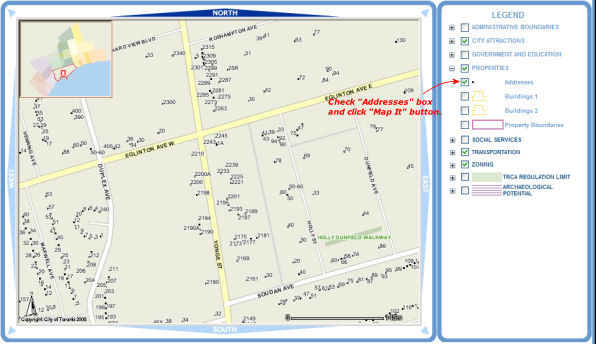
Address points, building outlines as well as property boundaries are all
grouped under "PROPERTIES" in the Legend window. In order to see them
they have to be checked "on".
Note: Clicking on the checkbox next to "PROPERTIES" will turn all layers grouped to it.
Check the box next to "PROPERTIES"
and then click the  button.
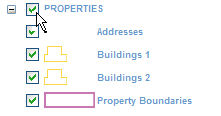
Building outlines, property boundaries and addresses all become visible.
