 from
fromTo identify the Zoning category, zoom in (see
zoom-in) using the zoom-in icon from
the tool bar by creating a box until the zoning layer becomes visible.
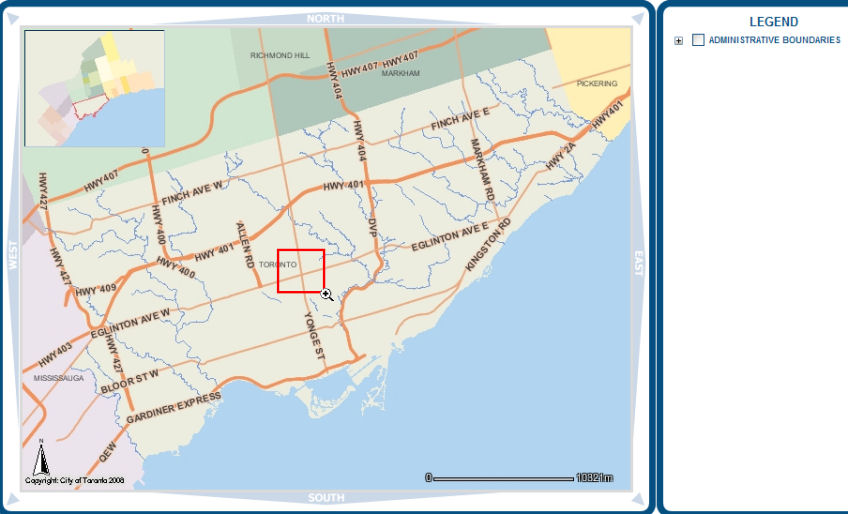
From the Tool Bar select the
"Identify" icon  .
.
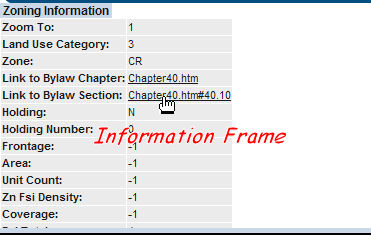
Click on a zone to identify.

Information on the that Zoning appears below the map in the information frame.
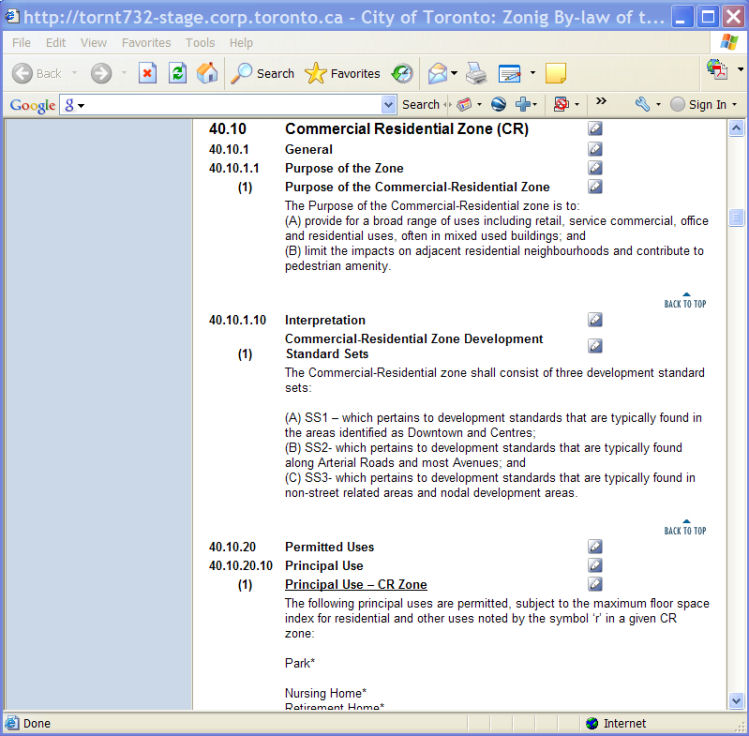
A new browser window opens containing the zoning by-law text.
You can make
comments on each clause of the zoning bylaw by clicking on the blue pencil
mark  .
.
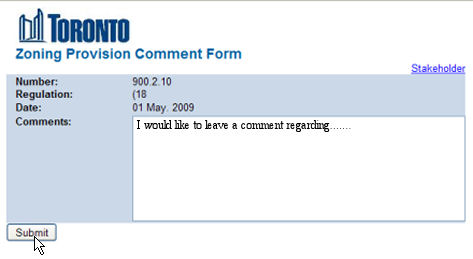
Enter comments and click the Submit button.